A coding agent is an LLM that calls tools in a loop, with a shell and runtime added for executing code and other actions.
2
Products should expose data and actions in forms coding agents can use easily, such as small CLIs for CRM and ERP access.
3
A B2B sales pipeline can route incoming RFP emails to customer-specific sessions and return only an editable draft email to the user.
Summary
Matthias Luebken explains Pi by reducing an agent to its basic mechanics: an LLM receives context, calls tools, reads the results, and repeats the process. A coding agent adds a runtime and shell, which lets it discover and combine available tools in ways that can look like learning. Luebken argues that product teams should design systems around what agents already do well. His example exposes CRM and ERP operations through CLIs, gives each customer its own agent configuration and reusable session, and routes incoming RFP emails to the right agent. The agent gathers customer-specific information, checks contacts, discounts, and inventory data, then creates a draft in the user's inbox. The user edits the draft rather than operating the agent directly. Luebken also covers Pi's extension API, session events, UI controls, and its relationship with OpenClaw. He is candid that Pi's current extension model is aimed at coding agents and still needs work for other applications.
Coding agents work well when they do one focused job
Luebken connects coding agents to Ken Thompson's advice: "Write programs that do one thing and one thing well." He points to Cohere's use of Claude's desktop environment with finance tools as an example. The system gives the agent a small set of tools built from Pandas, OpenPyXL, LibreOffice, and a CLI instead of asking it to operate Excel directly. Luebken says this kind of packaging makes a focused capability usable. He also says there is no established book of patterns for these systems yet, so builders need to try things and learn from what works.
Systems should be designed around what coding agents can use easily
The architectural principle Luebken takes from his discussion with Evan is to make systems easy for coding agents. That means avoiding unnecessary complexity, making capabilities accessible, and shaping interfaces around the agent's strengths. He does not present a finished design method. Instead, he treats this as an emerging pattern and asks builders to inspect their own systems from the agent's point of view. Pi's small open-source implementation is useful for this experimentation because developers can download it, modify it, and ask it to build things.
Luebken gives a deliberately simple definition of an agent. It has goals and context, calls a tool, receives a result, and repeats the process. Pi's core agent can ingest information, accept prompts, and emit events as work proceeds. His CRM lead qualifier example is a small TypeScript application with a terminal interface and a few files. A command can list leads and score them, while the output shows the assistant making tool calls and consuming their results. Hooks before a tool call can enforce checks such as authorization before a contact is updated.
A coding agent adds a shell and runtime to the same loop
Luebken describes a coding agent as the same basic agent with a runtime and shell, commonly Bash, where it can execute actions. This extra access lets the agent combine tools that were not explicitly packaged as one skill. He cites an OpenClaw example in which a voice message was handled with tools including FFmpeg, even though the system did not have a special voice-message capability. From the outside this can look like learning. Internally, Luebken says, it is the agent finding and calling another available tool.
Pi extensions connect agent sessions to commands and user interfaces
Pi's extension API gives developers access to session events and UI interactions. Luebken shows a CRM extension with a new slash command called pipeline. It loads contacts and uses a UI selection control, including dropdowns, rather than only calling back-end tools. The same extension mechanism can support a proposed web UI with the same command and selection flow. He also says Pi's current framework is designed around coding-agent use cases, so more work is needed before it fits other kinds of applications cleanly.
OpenClaw runs Pi across multiple channels and sessions
The OpenClaw setup extends Pi beyond one agent in one coding session. It supports multiple channels, threads, and agents. Luebken says OpenClaw uses Pi's core packages, including the function that embeds the Pi agent, session support, the coding agent, the core agent, the unified LLM abstraction, and the terminal UI. OpenClaw adds its own plugin mechanism because its requirements differ. That layer handles concerns such as multi-channel routing, provider orchestration, subagents, and gateway support.
Customer-specific sessions can turn RFP emails into editable drafts
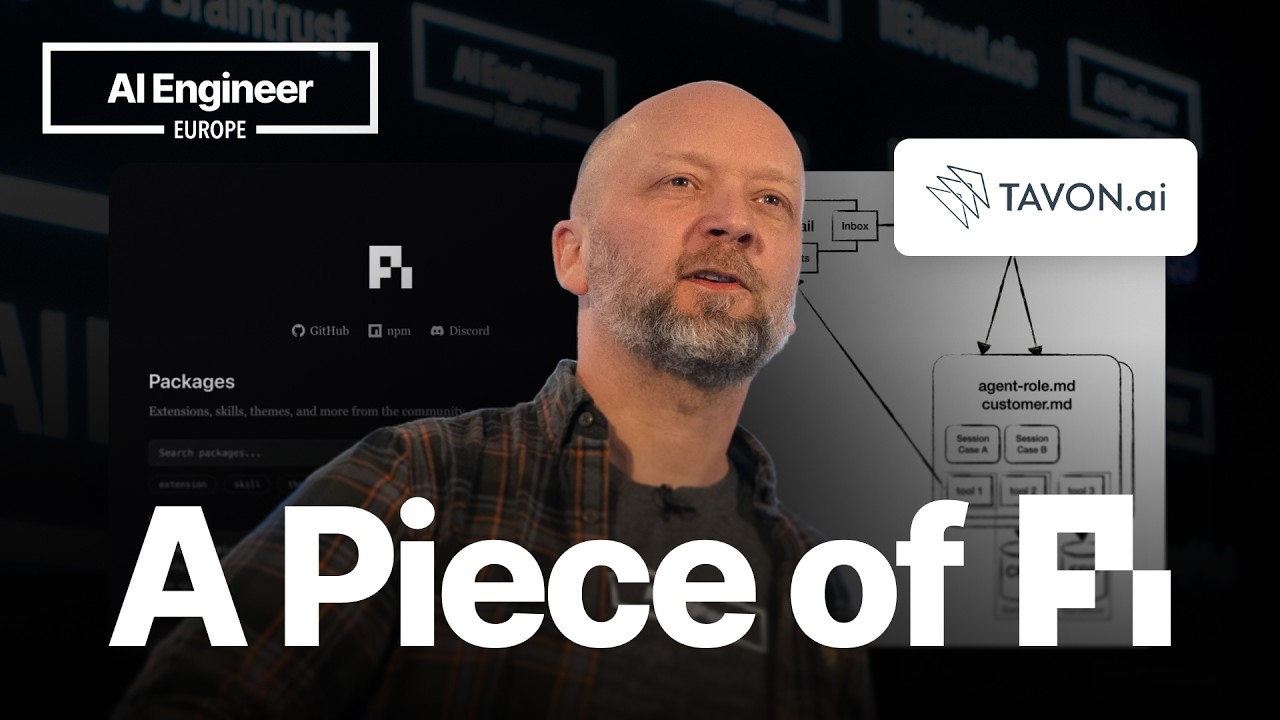
Luebken's client application starts when an RFP email arrives for a company's parts. An inbox monitor sends the message through a gateway to the right customer agent. Each customer has an agent with a general harness and a customer-specific file describing quirks, access rules, discounts, and other details. The system creates or reuses a session for each case, preserving what was discussed. Tools expose CRM and ERP data, and the team makes them available as CLIs because agents are good at using CLIs. The agent runs in a sandbox, gathers information, and produces a draft email.
The human-facing product can stay inside the inbox
In the demonstration, the dashboard shows an incoming email associated with a case and an agent session. The system makes many calls behind the scenes, then creates a draft that the user can edit freely. Luebken's product choice is to keep users in their email inbox instead of making them operate a separate agent interface. The agent examines the thread, calls tools, receives results, and works through the request. The visible result is a new draft attached to the case. He also mentions Nvidia's OpenShell policy as a security approach the team is investigating for agent sandboxing.