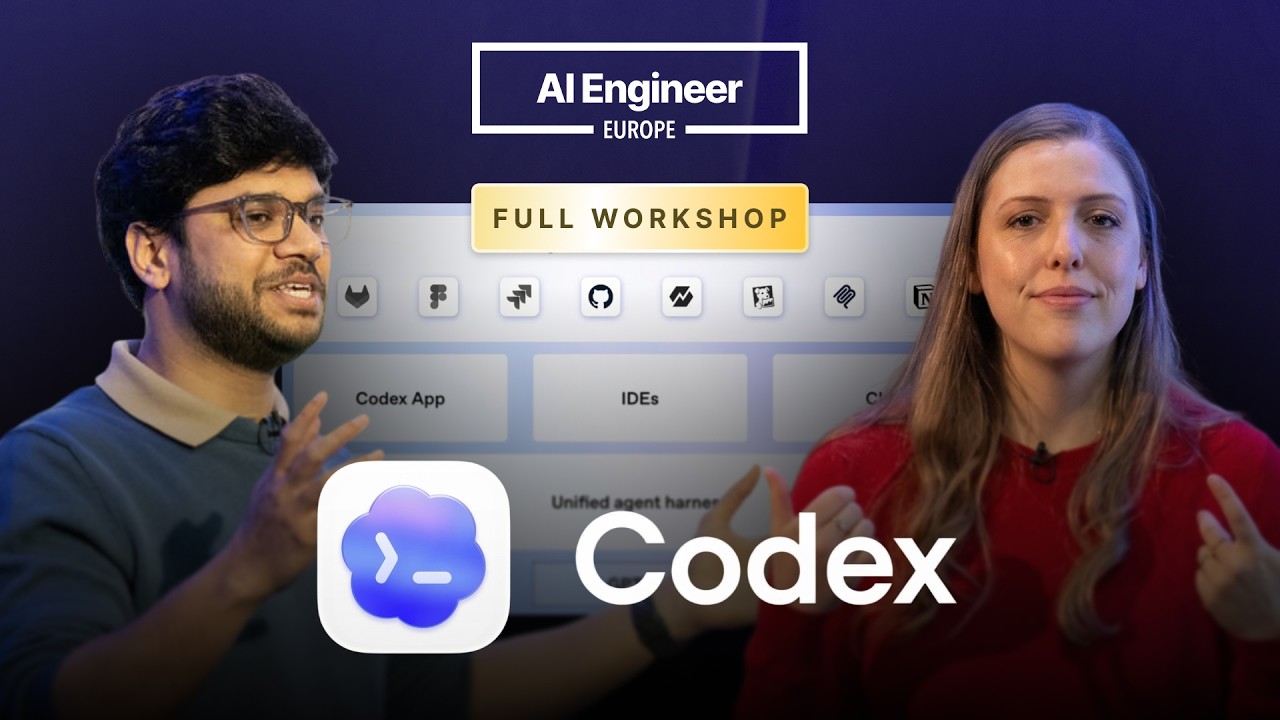
Codex combines foundation models with an agent harness, safety controls, tools, and interfaces such as the app, CLI, IDE extensions, Slack, and GitHub.
2
Plugins bundle skills, apps, MCP servers, and prompts into reusable workflows, while automations let Codex run scheduled work in the background.
3
Subagents can split a large task into independent reviews or investigations, with separate models, permissions, sandbox modes, MCP access, and instructions.
Summary
Katia Gil Guzman and Vaibhav Srivastav present Codex as a software engineering system that can explore repositories, run commands and tests, review code, use external services, and work across several interfaces. They demonstrate the Codex app, project work trees, scheduled automations, plugins, browser interaction through Playwright, and image generation for a game. Vaibhav then focuses on code review and subagents. Codex can review pull requests on GitHub, inspect uncommitted changes, and account for effects outside the immediate diff. Subagents divide work among independent agents, which can use different models, reasoning settings, permissions, tools, and MCP servers. The final section covers experimental guardian approvals, hooks, personality settings, Codex Security, and the Cloud Code plugin. The workshop is practical and candid about limits, including a live automation demo that had to be configured manually and a six-thread concurrency cap during the subagent demo.
Codex can carry out software engineering work beyond writing code
Katia Gil Guzman describes Codex as OpenAI's software engineering agent. It can run commands and tests, explore codebases, and do the kinds of work a software engineer would do. The system combines foundation models with a unified agent harness that manages tool execution, environment setup, evaluation of agent behavior, and embedded safety. Users can reach it through the Codex app, IDE extensions, the CLI, Slack, GitHub, and integrations with tools such as Figma, Linear, and Notion.
The model and serving layers are improving together
Vaibhav Srivastav traces recent model releases from GPT-5.2 to GPT-5.2 Codex, GPT-5.3 Codex, GPT-5.3 Codex Spark, and GPT-5.4. He says larger models help with complex and long-running work, while GPT-5.4 mini and nano fit short tasks and subagents. OpenAI also introduced WebSockets to provide roughly 1.75 times faster tokens, then added Fast Mode for another 2 times faster token delivery. The point is to improve both model capability and the speed at which Codex responds.
The Codex app uses projects and work trees to separate parallel work
The Codex app lets users organize work across projects and use work trees for separate features, bug fixes, or questions inside the same project. Vaibhav says this lets him handle several tasks without interfering with one another or switching context as much. The app also supports automations, native Git support, and Windows support with a Windows sandbox. A scheduled automation can run an instruction at a chosen time, such as creating a calendar briefing.
Plugins package repeatable workflows and external connections
Plugins bundle skills, apps, MCP servers, prompts, and related resources into a reusable package. Katia explains that skills contain instructions, scripts, and resources for recurring processes. Apps connect Codex to services such as Notion or Linear. MCP servers expose tools from external systems. A plugin avoids installing or connecting each component separately. The workshop also covers the Game Studio plugin, which combines game-development skills with ImageGen and Playwright Interactive.
Automations can process Slack, Gmail, and repository data on a schedule
Katia shows automations as background jobs that can use connected apps and plugins. One Slack automation checks each morning for messages requiring a reply, flags time-sensitive items, and summarizes activity by topic. A Gmail automation looks for messages that need replies and checks whether requests are time-sensitive or legitimate. In another example, Codex reads YAML files in a codebase, finds the current Codex meetup data, and updates a Google Drive spreadsheet with 57 event rows. The live creation of a Slack automation did not work as expected, so she configured it manually by choosing the plugin, frequency, and project.
Codex can review changes with repository-wide context
Vaibhav presents code review as a first pass for teams that cannot inspect every line produced across many features and projects. Codex can review pull requests on GitHub, run through the CLI or app with the /review command, and work inside Cloud Code through a plugin. Its review process looks beyond the diff and considers the surrounding repository, which can reveal effects in modules untouched by the change. In the demo, the review returns P1 and P2 findings and lets the user ask Codex to fix them or open another pull request.
Subagents divide large investigations into independent work
Subagents let a main Codex task split into decomposable, parallel, independent tasks. In the demo, Codex finds 45 persona files and creates review slices for multiple agents. The main agent plans the work, assigns specific files and repository guidance to each reviewer, then collates their findings. The setup reached a six-thread concurrency limit, despite the request for 20 subagents. Vaibhav suggests similar patterns for vulnerability analysis, feature design, test execution, documentation, and issue triage.
Custom subagents can have different models, permissions, and tools
Codex includes general-purpose, worker, and explorer personas, and users can define their own. A custom subagent can specify its model, reasoning effort, sandbox mode, instructions, MCP access, and skills. Vaibhav recommends read-only mode for review and cybersecurity work, while a documentation agent may need write access. He demonstrates a documentation researcher that uses a docs MCP server containing API references, guides, and toolkits. He also recommends asking Codex to inspect past sessions and suggest useful subagents or automations.
Guardian approvals and hooks add policy and lifecycle controls
Guardian approvals is an experimental feature that inserts a subagent between Codex and privileged actions such as deleting a directory, starting a server, or exposing a file to the internet. The guardian decides whether human approval is needed, which can reduce repeated approval prompts. Experimental hooks can run after tool use, at session start, or when a session stops. Examples include pulling the latest repository changes at startup, documenting every tool use, or asking Codex to continue a long-running task after each turn. Personality settings and custom instructions change how Codex communicates and behaves.