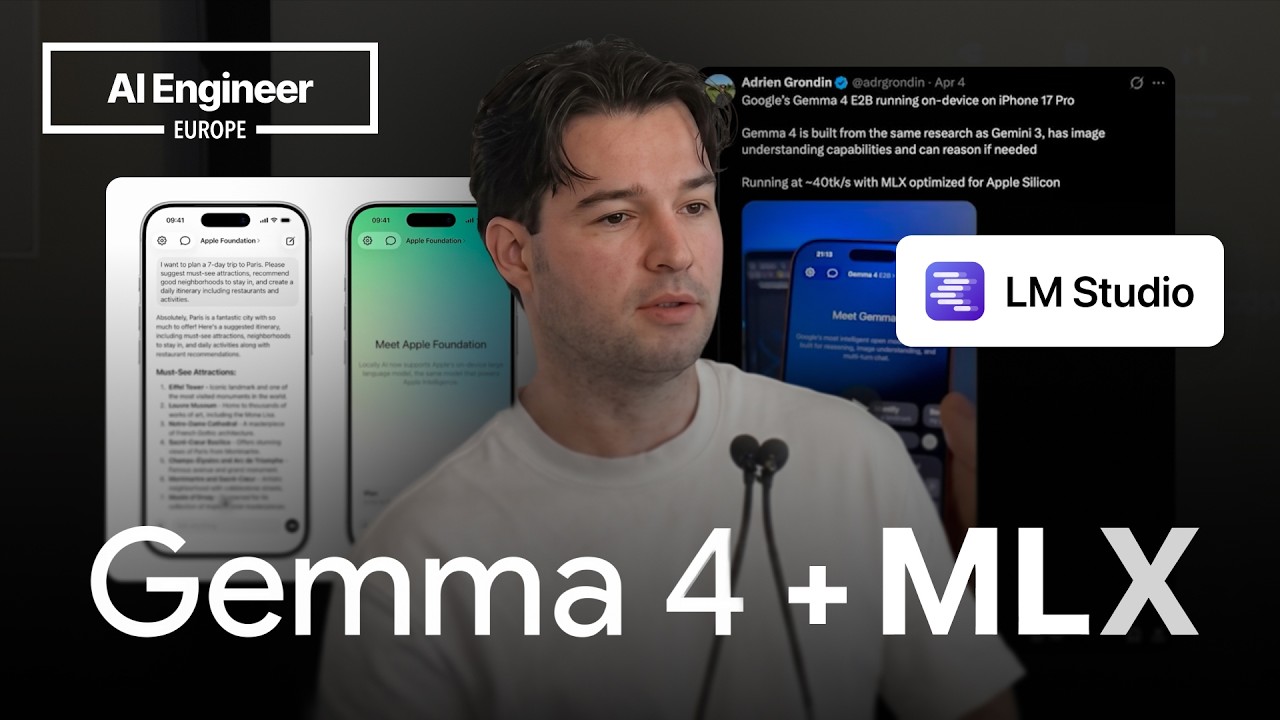
MLX Swift LM lets iOS, iPadOS, and macOS developers download and run compatible language models on Apple devices with a simple API.
2
A 4-bit quantized Gemma 4 model can run at about 40 tokens per second on the latest iPhones, while older iPhones can still reach useful speeds.
3
The main limitation for running models on an iPhone is still model size, with downloads commonly ranging from about 1 GB to 3 GB.
Summary
Adrien Grondin introduces MLX, Apple's framework for running machine learning models on Apple Silicon, and shows how Locally AI uses it to run language models on iPhones. The practical entry point for developers is MLX Swift LM, which can download compatible weights from Hugging Face and run them in an iOS, iPadOS, or macOS app. Grondin recommends using quantized models, generally between 4-bit and 8-bit, because full-size models are too large for an iPhone and lower quantization can hurt output quality. He reports around 40 tokens per second for a 4-bit quantized Gemma 4 model on recent iPhones. Older devices can still provide useful performance. He also describes the wider MLX ecosystem, including tools for vision, audio, video, and Python applications. Locally AI has been acquired by LM Studio, which supports both MLX and llama.cpp engines. MLX Swift LM supports tool calling, while structured generation is still being added by packages around it.
MLX makes local model inference practical on Apple devices
Locally AI is a fully native chatbot that runs models on an iPhone with MLX. Grondin explains that MLX is an Apple framework optimized for Apple Silicon, including the chips in iPhones and Macs. The same app is available on iPad and macOS. He presents MLX as the layer that makes local language-model use possible across these devices, with the app handling models such as Gemma 4 and Apple's Foundation models.
MLX Swift LM gives iOS developers a short path to a working model
For an iOS, iPadOS, or macOS app, Grondin points developers to the MLX Swift LM GitHub repository. The package can download a model and run it on the device, and he describes its API as straightforward. He says an iOS app with a running model can be built in less than 10 minutes. Developers pass a Hugging Face model ID to the framework, which then downloads the model through its Hugging Face integration.
The MLX ecosystem covers more than text generation
Grondin says Python and macOS developers can use MLX VLM, while related projects include MLX Audio and MLX Video. He describes the ecosystem as supporting visual models, audio, image generation, video generation, and multimodal models. He also mentions text-to-speech and speech-to-speech applications. The point is that developers can use MLX for several types of on-device model rather than only a text chatbot.
Hugging Face's MLX community provides ready-to-use model weights
The MLX community on Hugging Face is where developers can find MLX model weights, including quantized and full-size versions. Grondin says the community has almost 4,000 or 5,000 uploaded models and often provides a quantized version soon after a lab releases a model. His Gemma 4 example includes BF16 and several quantized variants, including 4-bit, 5-bit, and 6-bit formats. Developers choose a model, copy its ID, and pass it to MLX Swift LM.
Quantization is necessary on an iPhone, with 4-bit as his lower limit
Full-size models are generally too large for an iPhone, so Grondin recommends choosing a quantized version. His usual range is 4-bit to 8-bit. He says going below 4-bit starts to have a noticeable effect on output quality, while 8-bit makes sense for very small models. He also describes smaller models with around 300 or 350 million parameters that can run in shortcuts, making them useful for fast text processing and automation.
Recent iPhones can generate Gemma 4 at about 40 tokens per second
Grondin reports that a latest-generation iPhone can run Gemma 4 with an 8-bit model quantized to 4-bit at about 40 tokens per second. He demonstrates the speed with live offline streaming and says it is acceptable for many uses. The interface can stream tokens as they arrive, or wait for a longer response before updating the UI. Older iPhones do not reach 40 tokens per second, but Grondin says that even 20 tokens per second can be useful.
Model downloads remain the main obstacle for ordinary users
Locally AI is available on the App Store for free, but users must download a model. Grondin says those downloads are usually around 1 GB or 3 GB, depending on the model. He identifies model size as the biggest barrier to using local models on an iPhone. He expects the situation to improve as models become smaller and more capable and as iPhone hardware improves.
LM Studio connects local models, servers, and multiple inference engines
Grondin says Locally AI has been acquired by LM Studio. He describes LM Studio as a desktop application for downloading models from Hugging Face, running them with llama.cpp or MLX, and comparing the engines. It can also open a local server that other applications connect to. The server supports response formats including OpenAI and Anthropic-style streaming responses, so an app can use a model hosted locally without embedding the model itself.
MLX Swift LM supports tool calling, while structured generation is unfinished
In the questions after the talk, Grondin confirms that MLX Swift LM supports tool calling. He says custom structured generation is not yet supported directly, although packages built on top of MLX Swift LM are working on it and Hugging Face is also involved. He adds that models have improved at tool calling compared with a year earlier. Locally AI also offers a curated selection of open-source models because not every model runs well on an iPhone.