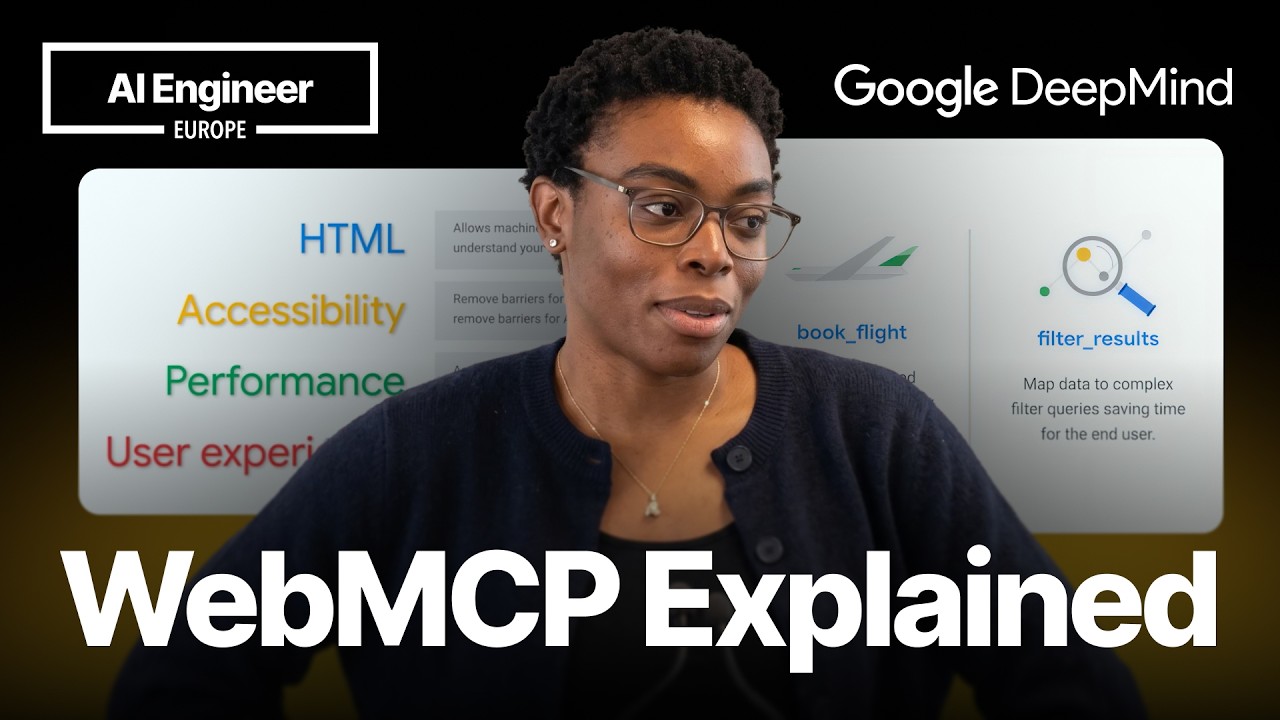
WebMCP gives in-browser AI agents named, typed tools instead of making them infer website actions from the DOM, accessibility tree, screenshots, and pixel coordinates.
2
The declarative API adds attributes to standard HTML forms, while the imperative API registers JavaScript tools for complex, multi-step flows.
3
WebMCP is experimental in early preview on Chrome 146 and can be tested with Chrome Canary, the Model Context Tool Inspector, demos, and an eval CLI.
Summary
Tara Agyemang introduces WebMCP, a proposed web standard for exposing website capabilities as structured tools to in-browser AI agents. She contrasts direct tool calls with the current process of inspecting the DOM and accessibility tree, taking screenshots, calculating click positions, and risking failure when the page layout shifts. WebMCP supports a declarative API for ordinary HTML forms, where the browser generates a JSON schema, and an imperative API for custom JavaScript tools and multi-step interfaces. In her ticket-selling demo, an agent searches for a concert, opens its page, and purchases tickets with a quantity and section. A maze game demonstrates how agents can repeatedly call tools to act on a user's instructions. The API is still changing and requires experimental Chrome features. Developers can inspect tools with a Chrome extension, review demos and documentation, and test their own sites with an eval CLI.
Websites built for people make agents work too hard
A ticket-buying agent may pass the entire DOM, inspect the accessibility tree, take a screenshot, measure the position of the target, and click by coordinates. A newly loaded ad can shift the page and make the click miss. Tara Agyemang says this process is long, brittle, and expensive in tokens. She first recommends improving the foundations of the site: semantic HTML, accessibility standards, page performance, Core Web Vitals, and clear user flows. Those changes already make a site more usable by agents. WebMCP comes after that work, rather than replacing it.
WebMCP exposes a site's actions as structured tools
WebMCP is presented as a proposed web standard that lets a site define its capabilities as structured tools. Instead of asking an agent to guess what a page can do, the site gives it a menu of named actions. Tara says this can improve the performance and reliability of agents navigating websites. The tools can also let users switch between manual browsing and agent control. A person can browse normally, hand over a task to the agent, and take control back at any point.
The browser extension makes available tools visible
The Model Context Tool Inspector is a Chrome extension that appears in the side panel and lists the tools found on a website. Tara demonstrates it with a maze game. The game exposes tools for starting the maze, moving north, south, east, or west, checking the player's position, and picking up, dropping, or using items. The agent matches natural language such as "right" or "down" to the registered move tool. It can continue calling tools until it believes the task is complete, although a vague prompt can lead to inefficient backtracking.
WebMCP is the client-side tool layer for browser agents
Tara distinguishes WebMCP from MCP by placing the two at different layers. MCP lets agents connect to server-side applications through a service. WebMCP is inspired by MCP and implements the tools part for in-browser agents. Its tools live in the browser, so the browser window must be open. She gives examples including flight booking, product filtering, complicated medical or financial forms, and actions that are difficult to find in a page's interface.
The declarative API turns ordinary forms into tools
For a standard HTML form, developers can add attributes such as a tool name and tool description. The browser then generates a JSON schema from the form fields, which become the tool parameters that an agent can read. Other attributes can indicate whether a form was filled in by an agent or a human. Tara recommends this approach when the site already has a normal form element.
The imperative API handles custom multi-step flows
The imperative API lets developers register custom tools with JavaScript. They manually provide the tool's name, description, and schema, then write an execute block that runs normal DOM code. Existing functions can be wrapped, inputs can be validated and trimmed, and new DOM nodes can be created. The execute block should return information about what happened so the agent can decide what to do next. Tara says this approach is likely to be used often because many interfaces have more complex flows.
In the concert demo, the agent receives a request for two VIP tickets to the Summer Vibes Festival. It first calls search concerts with the concert name and receives the concert ID. It then calls open concert page with that ID. On the new page, it calls purchase ticket with quantity two and the VIP section. The interface updates during each call so the user can see the selected section and quantity. Tara says a real checkout should probably remain a manual step because the user needs to know when real money is being spent.
WebMCP is in early preview and is described as very experimental. Tara says the API has changed over the preceding weeks and that the example code could differ soon. Chrome 146 and later supports it, with Chrome Canary recommended for keeping experimental work separate from a normal browser. Developers need to enable the WebMCP testing flag and install the Model Context Tool Inspector. The preview blog provides documentation and best practices, while the GitHub repository includes demos, the inspector, and an eval CLI for testing sites.