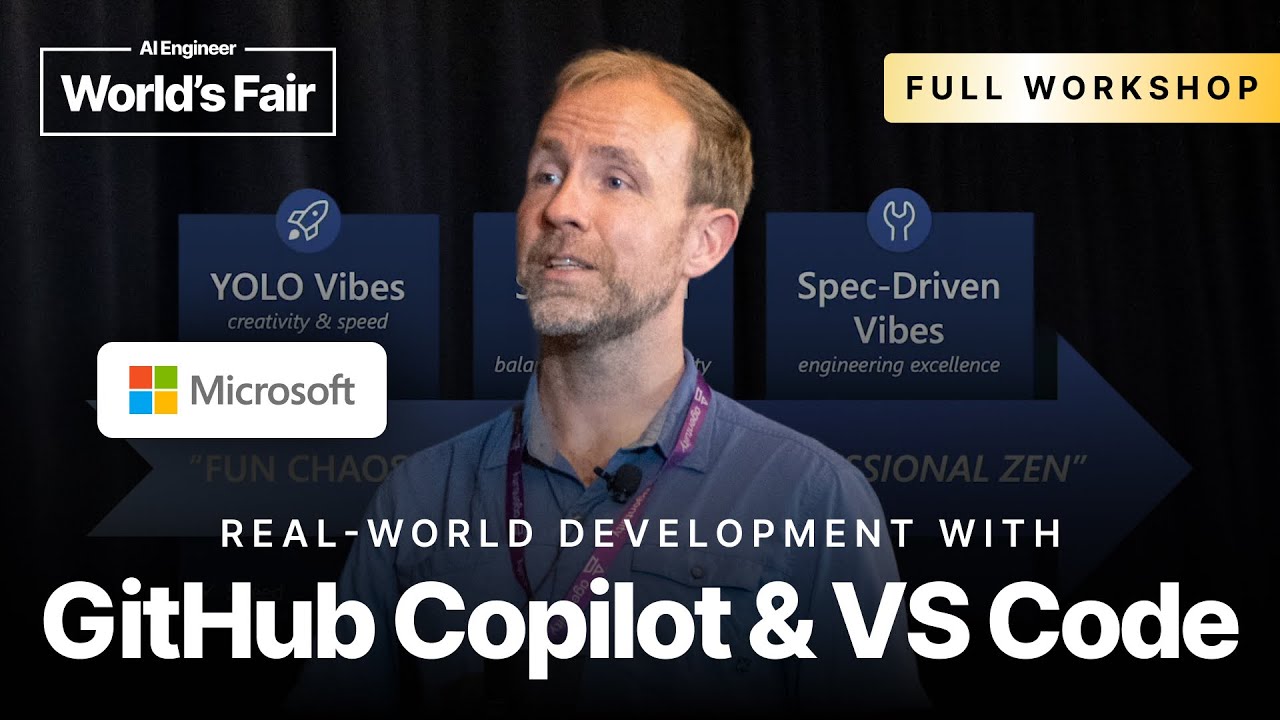
Vibe coding can progress from fast, chaotic prototypes to structured workflows with shared instructions, tools, and review points.
2
Enterprise teams can give AI assistants domain knowledge through repository instructions, scoped rules, reusable prompts, custom modes, and MCP servers.
3
Developers should commit working states, keep steering the agent, pause when it goes off track, and decide when a task needs a specification before implementation.
Summary
Harold presents vibe coding as a progression from fast personal experiments to controlled team workflows. The first stage, which he calls YOLO vibes, is useful for prototypes, mock-ups, learning, and personal projects. It focuses on visual results and natural-language interaction, with features such as auto-approval, voice input, browser previews, and visual element selection. Structured vibes add a standard stack, design system, repository instructions, and internal tools so non-technical contributors can work within clearer limits. The final stage uses specifications, custom prompts, tool sets, and review practices for larger codebases. Harold demonstrates these ideas in VS Code with GitHub Copilot, including React and Vite project creation, Copilot instruction files, scoped instructions, TDD custom modes, Playwright MCP, Perplexity research, and spec generation. He is candid about failure points, including incorrect dependencies, excessive tools, inconsistent feature support, and AI-generated rules that need correction.
Vibe coding starts with speed, then needs guardrails
Harold describes the early form of vibe coding as a flow where developers focus on the output and may barely inspect the code. Agents can run for longer periods and generate more code, so trust has to come from guardrails and a gradual reduction in chaos. He names the stages YOLO vibes, structured vibes, and spectrum vibes. YOLO vibes are good for creativity, speed, learning, prototypes, proof of concepts, mock-ups, and weekend projects. Structured vibes add maintainability, readable code, quality control, and handover. Spectrum vibes add practices that aim for scale, reliability, and velocity while retaining some of the speed of the first stage.
YOLO workflows are useful when the working result is the main goal
For a first exercise, Harold asks the audience to create a hydration tracker in VS Code with GitHub Copilot. He chooses React and Vite because popular front-end stacks give the AI fewer opportunities to make wild guesses. The prompt specifies a hydration app and a design direction such as Apple or Material Design, while leaving many implementation details open. The new workspace flow creates the project from an empty folder and installs the dependencies. Harold enables workspace-level auto-approval so the agent can continue without repeated confirmation. He says this approach works for rapid prototypes, UX mock-ups, learning a technology through a working example, and personal projects.
Visual feedback lets developers steer an app without naming its implementation details
After the hydration tracker is generated, Harold uses the browser preview rather than reading the TSX or CSS. He points out a visual editing feature that lets the user select an element in the preview and attach it to the current chat. The context can include a screenshot, the element's HTML, and a CSS description. That means a request such as making the progress indicator more animated can refer to the visible component without the user knowing its source-code name or location. Harold also demonstrates undo checkpoints after rejecting an animation. The workflow treats generated interfaces as disposable experiments, so the user can compare versions and return to an earlier state.
A starter template can bring non-technical contributors inside team boundaries
Structured vibe coding uses a prepared project with a consistent technology stack, clear instructions, internal design rules, and domain-specific tools. Harold says this lets companies involve non-technical people while keeping projects within established boundaries. A template can already specify the design system, responsive behavior, dark mode, deployment setup, and internal frameworks. That avoids asking the model to rediscover the team's preferences on every task. He describes companies using this approach for greenfield bootstrapping, where a product can look polished enough to take into a meeting. The same structure can then be customized for internal stacks, workloads, and deployment infrastructure.
Repository instructions give every Copilot request basic knowledge of the codebase
Harold shows a .github/copilot-instructions.md file that is included with agent requests, chat requests, and inline chat requests. He recommends starting with a short description of the stack, including frameworks and versions, instead of immediately writing a large rulebook. Teams can keep the file in the repository and iterate on it as the project changes. He suggests that it should be a team-owned document rather than something every developer edits independently. VS Code also supports scoped instruction files under .github/instructions, with front matter and glob patterns that control which files they apply to. At this point in the demonstration, scoped rules still require the relevant file to be in context.
Prompts and custom modes turn team practices into reusable actions
Harold distinguishes instructions from prompts. Instructions describe how code should be written and can combine across areas such as TypeScript and front-end folders. Prompts describe a task and can be invoked with a slash command, which makes a carefully designed team prompt easier to reuse than a message copied from Slack. He creates a TDD custom mode that asks the model to understand the problem, write failing tests first, ask for confirmation, implement the feature, and keep running the tests. The mode can live in the repository for a team or in a user folder for personal experiments. In the demonstration, the agent enters a red phase, writes tests, and pauses for confirmation.
Tool selection needs limits because adding MCP servers creates too many choices
Harold configures MCP servers in VS Code, including Playwright for browser testing and Perplexity for research. MCP tools can be installed into user settings or defined in a workspace configuration, and secrets can be stored through VS Code inputs and key storage. He explains that agent mode is the normal place to run tools, while ask mode does not use function calling by default. As more MCP servers are installed, the model faces a tooling explosion. Custom prompts, modes, and tool sets can restrict a task to the tools it needs, such as using only Perplexity for research. Harold is clear that naming a tool still does not make execution deterministic.
Specifications and frequent commits provide control before the agent makes larger changes
For larger work, Harold recommends moving from broad implementation requests toward a specification and an implementation plan. A meeting transcript can be turned into a spec if the final decisions are called out, and the model can then critique the spec for missing details. He suggests using AI as a design partner that asks questions and exposes holes in an idea. The workflow can have separate stages for writing the spec, writing the plan, and implementing it. During implementation, developers should commit whenever they reach a working state, so they can recover after the agent makes a bad change. They should also pause the agent and review its direction instead of accepting a poor result.
"Tool calling is inherently always even in this case. We're telling the AI you should use it, but it might not use it."1:14:00
Who should watch
You are evaluating whether AI-assisted coding can fit a large or inconsistent enterprise codebase, and you need concrete workflow controls.
Your team wants non-technical contributors to make prototypes without losing its technology stack, design system, or deployment rules.
You are building a Copilot setup with repository instructions, MCP servers, reusable prompts, or custom modes and want to understand where those controls break down.