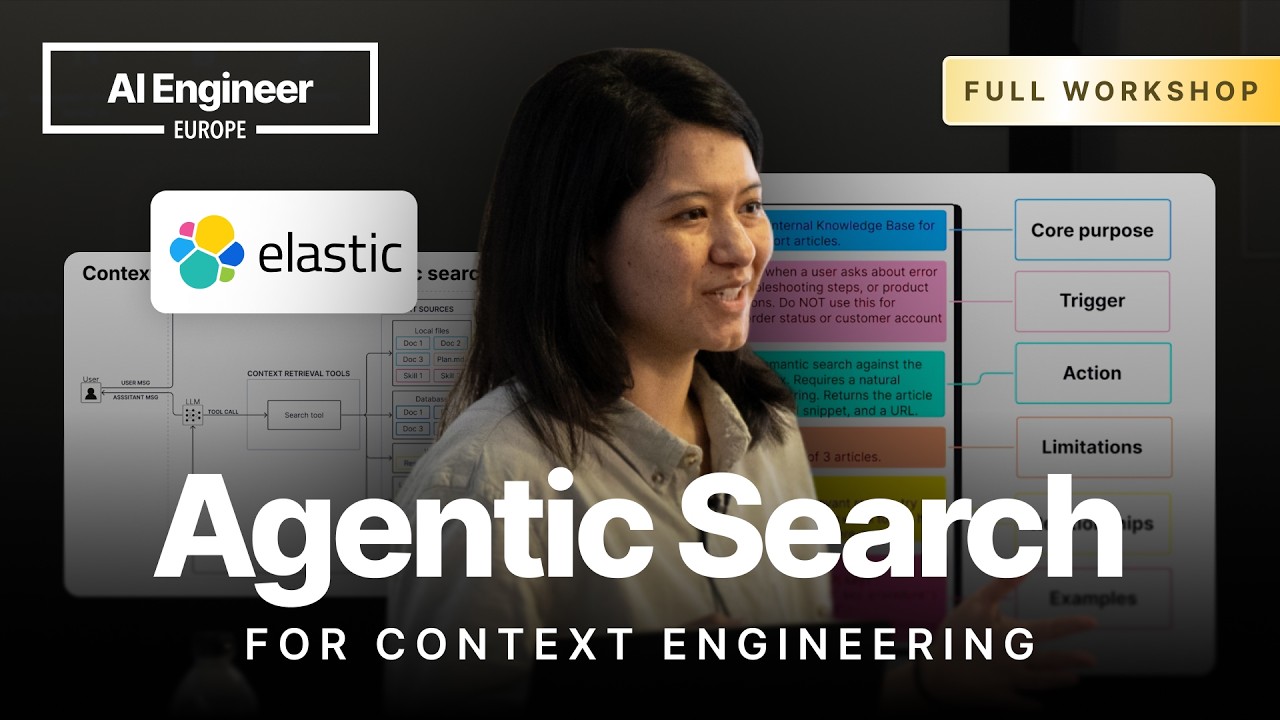
Context engineering depends heavily on the search tools that choose what enters an LLM's context window.
2
A useful agent search stack combines simple specialized tools with general-purpose tools such as database queries or shell access.
3
Teams should begin with a general-purpose tool when they do not know query behavior, then log failures and build specialized tools around repeated patterns.
Summary
Leonie Monigatti argues that context engineering is largely about agentic search. An agent must decide whether to retrieve information, which source to use, how to form the query, and whether more retrieval is needed. She compares semantic search, Elastic Search Query Language, agent skills, shell commands, and Gina Grap over conference-session data. A simple semantic search tool works for broad topical questions, but it breaks on exact terms, filters, and other queries outside its narrow design. General-purpose query tools handle more cases, although they demand better model reasoning and documentation. Agent skills provide syntax and usage guidance through progressive disclosure. Shell access makes local-file retrieval easy and flexible, but it is risky and can be inefficient for semantic searches. Her recommendation is to combine specialized tools with general-purpose tools, observe how agents actually search, and turn repeated behavior into purpose-built interfaces.
Monigatti defines context engineering as deciding what enters the LLM's context window from all available sources. She says the search tool or tools power that decision, because they select material from files, memory, databases, and the web. Her personal view is that context engineering is "about 80% agentic search" because retrieval determines what the model can use. This shifts attention away from context curation as a simple arrow between sources and the context window. The search interface, its parameters, and the agent's decision to use it all affect the resulting answer.
Agentic RAG fixes the limits of a fixed retrieval pipeline
Traditional RAG usually sends the user message, more or less unchanged, as a vector-search query and retrieves context once. That can add information when no context is needed, which may confuse the LLM. It also cannot handle cases where the first retrieved chunks reveal a second search query. Agentic RAG replaces the fixed pipeline with a search tool. The agent decides whether to call it, can rewrite the query, and can retrieve again. This improves the retrieval flow, although the example still uses only one context source, a database.
Different context sources need different search interfaces
The workshop lists local files, working memory, skills, databases, the web, and long-term memory as possible context sources. Each source can have a native interface, such as file search, skill loading, database search, web search, or a memory tool. Monigatti also presents the shell tool, which lets an agent run terminal commands. Through a shell, an agent can inspect files with commands such as `ls` and `grep`, use a database CLI, call an HTTPS endpoint with `curl`, or write a script that connects to a database. The range of choices makes tool-stack design a search problem.
Agentic search fails when tools or parameters are hard to choose
Monigatti describes three common failures: the agent calls no tool because it believes its parametric knowledge is enough, it calls the wrong tool, or it produces incorrect search parameters. Choosing between web search and database search can already be difficult. Parameter complexity adds another source of error. A simple customer lookup or semantic query is easy to form, while a tool with filters, top-K settings, or an entire database query is harder. She says teams should treat zero results carefully, because an empty response can indicate a bad query rather than a valid absence of data.
Tool descriptions should explain when and how a tool is used
A short tool description may work when an agent has only one search tool, but it becomes a problem as the tool set grows. Monigatti recommends starting with the tool's purpose, then adding trigger conditions that say when it should and should not be used. Descriptions can also explain relationships, such as calling an agent skill before using a query tool or asking for confirmation first. If the agent still chooses incorrectly, the system prompt can reinforce those instructions. This guidance matters especially when several tools appear capable of answering the same request.
General-purpose database queries widen coverage and increase model demands
In the database demo, Monigatti replaces a semantic-search function with an execute-query tool that accepts a complete ESQL query. This lets the agent filter, transform, analyze, and aggregate conference-session data. The wider interface also creates more opportunities for mistakes. In one example, the model uses the SQL-style `%` wildcard even though ESQL requires `*`, producing zero results. The tool catches errors and returns them to the agent so it can rewrite the query instead of crashing. With an agent skill containing ESQL syntax rules, the model loads the instructions, generates a valid query, finds the right session, and counts 27 sessions on April 8.
Agent skills provide query guidance through progressive disclosure
Monigatti's custom skill contains a name and description that enter the system prompt, while the fuller Markdown instructions load only when needed. The instructions explain the basic ESQL structure, string quoting, and wildcard syntax. She calls this progressive disclosure because the agent receives a small amount of information first and adds the rest to the context window on demand. The skill is connected to the query tool through a relationship that says to load the Elastic ESQL skill before generating a query. This avoids putting a complete query-language manual into every system prompt.
Shell retrieval is flexible, but exact matching is a poor substitute for semantic search
For local files, the agent can inspect directories, run `grep`, and read matching files. In the demo, it searches for GPA, expands from the first 50 entries to the full session data, then reads the matching session file. Shell access also lets the agent approximate semantic search by chaining synonyms. For a query about regulatory constraints, it searches terms such as regulation, regulatory, compliance, constraints, GDPR, and governance. Monigatti shows that this can work, but questions such as finding movies with animal superheroes would require an impractical list of possible synonyms. She warns that shell access should run in a sandbox because the agent can delete files or execute unwanted commands.
A balanced tool stack combines a low floor with a high ceiling
Monigatti does not recommend one universal search tool. Specialized tools with simple parameters give the agent a low floor: they are easy to call, efficient, and suitable for common operations such as semantic search or looking up a customer by ID. General-purpose tools give it a high ceiling for unexpected or complex questions. Shell access and query execution offer that flexibility, but they may require several attempts. When query behavior is unknown, she recommends starting with a general-purpose tool, logging the agent's behavior, and watching for repeated patterns. Four or five tool calls for one question may indicate that a more specialized interface is needed.
"Start with general purpose tools if you don't know your users behavior yet. Log breaks and app purposeuilt interfaces."48:31
Who should watch
You are building an agent that needs to search across databases, local files, or other context sources and want to understand the tradeoffs between interfaces.
Your semantic search demo works for broad questions but fails on exact terms, filters, aggregations, or multi-step retrieval.
You are deciding whether to expose a shell tool, a database query tool, specialized search functions, or a combination of them.