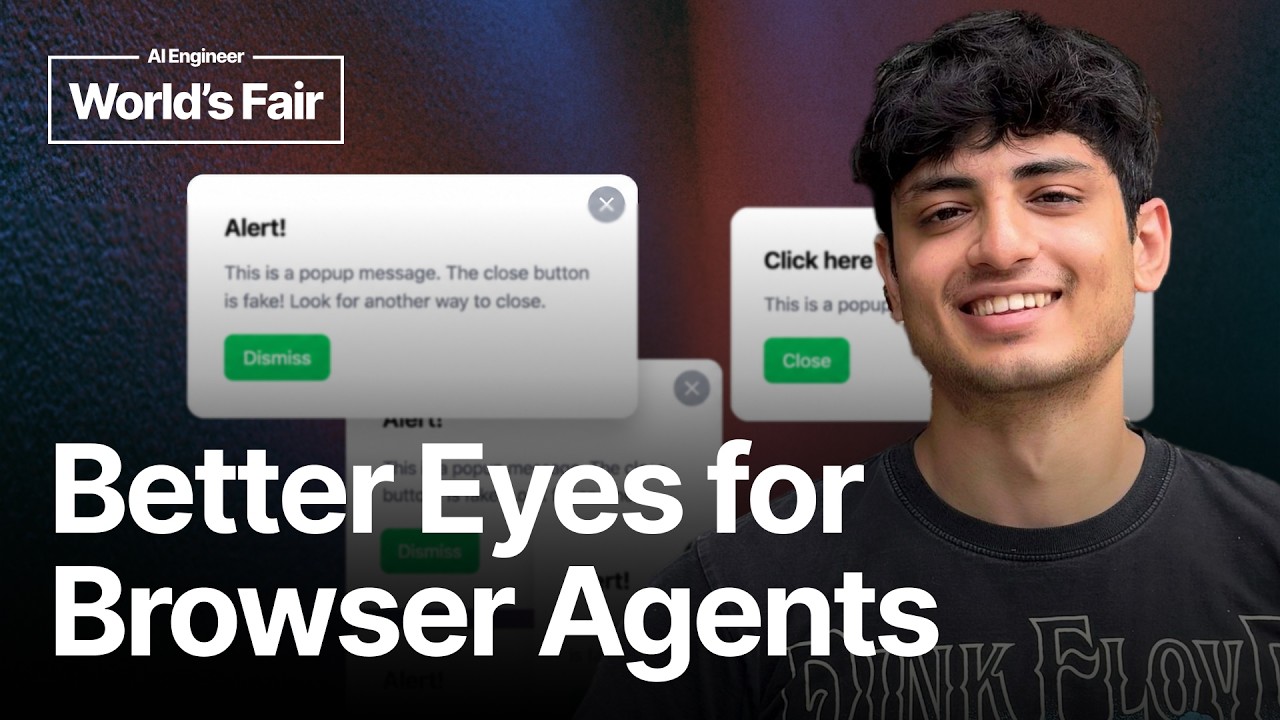
Browser agents often fail because the browser interface gives the model poor state and slow actions, rather than because the model is too weak.
2
A compact page representation lets an agent see an entire website in about 1,800 tokens instead of consuming roughly 20,000 tokens for the full DOM.
3
Step-by-step browser feedback, stable interaction state, and fast execution help the same model complete tasks such as downloading an Aadhaar document and selecting a booking date.
Summary
Kushan Raj argues that browser-agent progress has focused too much on upgrading models. In his examples, agents using screenshots and ordinary browser interaction spend a long time getting stuck on simple tasks. His runtime gives the model a compact representation of the whole page, alongside screenshots, so it can reason about more of the site with fewer tokens. The system also tracks what changed between steps, including new elements, removed elements, and failed clicks. Raj shows this working on an Aadhaar download and a booking flow on a Canadian website. His version completes both tasks quickly while using a cheaper model. He says the project could become an open-source system, an API, a website, or a plugin that accepts a URL and an intent, then executes the task. The talk is a short product demonstration and thesis rather than a detailed evaluation, but Raj is clear about where he thinks the main bottleneck sits: the browser state exposed to the model.
Long browser tasks expose failures that simple demos hide
Raj uses a browser challenge with about 30 steps to show why agents fail in practice. The agent spends roughly 10 to 20 seconds just clicking the start button, then takes a long time to move through the first step. Long sequences expose problems with planning, state tracking, and interaction speed. Raj says he does not use browser agents much himself because he has not seen the adoption he expected. The benchmark gives him a way to make the problem visible: a basic action already takes too long before the actual workflow begins.
The browser interface can hold back a capable model
Raj compares the standard agent experience with the system he has built on the same website. His version appears much faster, even though he says it uses a much cheaper model. He argues that models are already fairly smart, while the infrastructure around them creates confusion and delay. In the earlier example, the agent tries to debug what is happening and attempts a click without understanding the page state. Raj's response is to give the agent an environment in which it can plan longer sequences, identify where it failed, and choose the right click.
A compressed page view gives the agent more usable context
Raj describes a page representation that compresses a website so the agent can see the entire page in relatively few tokens. Later, he compares three forms of page state: the full DOM is about 20,000 tokens, a screenshot is about 1,100 tokens but shows only a particular visual view, and his Markdown representation is about 1,800 tokens. The Markdown lets the agent see the whole website in one representation. He says it can be provided with the screenshot, giving the model both a broad page view and visual information for reasoning.
The system completes an Aadhaar download without the long stall
Raj demonstrates an Aadhaar download workflow. He says the task looks simple when a screenshot clearly shows the button, but Claude gets stuck after clicking. From around 46 seconds to the end of the comparison video, the agent repeatedly takes screenshots and scrolls, making the full process last about two minutes. Raj's agent boots and completes the task quickly. He presents this as evidence that the interface affects execution speed and that a less expensive model can perform the task when it receives a cleaner representation of the page.
Page-change feedback helps the model understand failed actions
Raj explains that the runtime reports what changed after an action. It can tell the agent which new elements appeared, which elements disappeared, and whether something blocking a desired click was removed. It can also report that the agent tried to click an element but the action did not happen. The system keeps track of the browser page across the whole interaction instead of giving the model an isolated image after each step. Raj says this feedback helps the model reason about the current state and construct a longer sequence of actions.
The same approach handles a booking flow on an unfamiliar site
Raj gives a second example involving a trekking booking on a Canadian website. He says the site took him time to understand because he is not very fluent in Canadian English, then asks Claude to book the trip. Claude reaches the date selection but cannot pick a date and gets stuck. Raj's agent selects the date and finishes the flow. The example is meant to show that the runtime can deal with a website whose wording and layout are not immediately familiar, while keeping the interaction simple for the person who provides the intent.
The project may become an API or an open-source tool
Raj says he is considering open sourcing the project because he does not think the code itself is highly defensible. The product he wants to provide could expose the browser commands through an API. A user would give it a URL and an intent, and the system would execute the task and return the result. He also mentions opening it as a website or exposing it as a plugin. His stated goal is to make browser agents faster, cheaper, and more reliable so more people can use them for practical tasks.