Gemini's stateful Interactions API lets an image-generation workflow carry visual style and characters from one image to the next.
2
Gemini 3.5 Live Translate can listen to a speaker and stream near-real-time translation into a listener's chosen language.
3
The Gemini Live API uses a native audio model over a stateful WebSocket, with audio and video input, streamed audio output, transcripts, interruptions, tools, Google Search grounding, and support for 90 languages.
Summary
Thor Schaeff demonstrates several ways to build multimodal, real-time agents with Gemini. A story canvas combines Gemini Live with Nano Banana Light, while the stateful Interactions API carries earlier image context forward so characters and visual style remain consistent. A translation demo lets audience members listen to the talk in their chosen language. An AI radio DJ uses Gemini Live to gather a music request and call Lyria 3 to generate a song. Schaeff then explains the Live API as a stateful WebSocket that accepts text, audio, and video frames and streams back audio and a transcript. Its native audio model avoids a separate speech-to-text and text-to-speech chain. The API supports interruptions, tool calls, Google Search grounding, and 90 languages. He finishes with a voice and vision demo in Google AI Studio, where the model identifies clothing, switches to Mandarin, and can use search for current information.
Gemini TTS can produce expressive, steerable speech
Schaeff opens by playing an audio sample and asks the audience to identify the model. It is Gemini text to speech, which he describes as an expressive speech model. Developers can steer it with inline audio text, and speech can be streamed. He says its latency is much lower than it used to be, making Gemini TTS an option for applications that need generated speech.
Nano Banana Light makes a live illustrated story practical
Schaeff builds a story canvas that uses Gemini Live to create a narrative and Nano Banana Light to illustrate it. The audience supplies a setting, 1980s Taipei, and Gemini describes a scene about the emergence of bubble tea. The application then generates an image through a tool call. Schaeff says image generation still takes two to three seconds, which is fast enough for this interactive demonstration.
The Interactions API carries visual context between generations
The first image request has no previous interaction ID. Later requests pass the earlier interaction ID to the stateful Interactions API. That gives the next generation the context of the previous interaction. In the story canvas, this lets the application continue a specific visual feeling and preserve characters across images. Schaeff describes the Interactions API as a unified way to interact with Google DeepMind models and agents.
Live Translate streams speech into a listener's chosen language
Audience members scan a QR code, choose a language, and listen through their phones. The session receives Schaeff's microphone audio and translates it as he speaks. He says Gemini 3.5 Live Translate recognizes the context of an utterance and starts translating in near real time. It can automatically detect the speaker's language, and the audience can listen in languages such as German or Chinese.
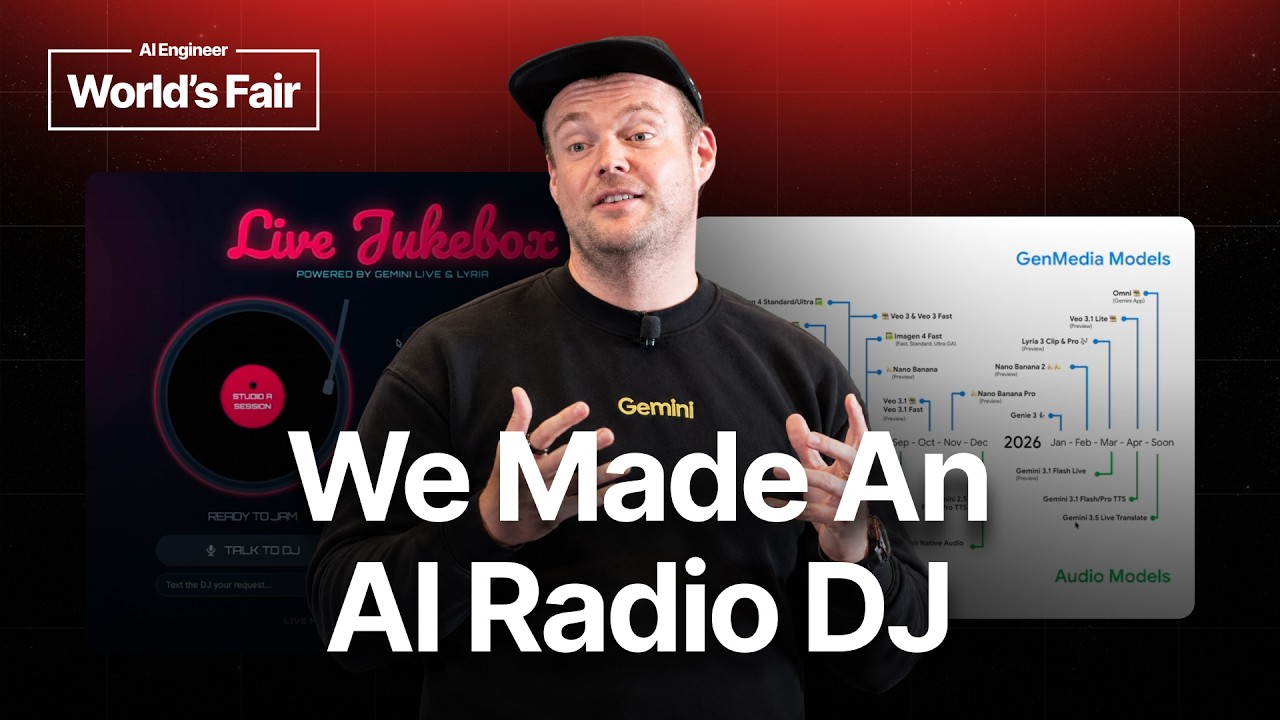
The radio DJ demo uses Gemini 3.1 Flash Live as the conversational agent. It asks the caller for a genre and lyrical direction, then receives a request for a high-energy reggaeton song about the AI engineering world's fair. Gemini Live calls the Lyria 3 music-generation model through a function call and returns a generated track. Schaeff says the same pattern could connect an agent to a CRM, retrieve customer information, or create a ticket.
The Live API connects multimodal input to streamed audio
Schaeff describes the Live API as a low-latency voice and vision API. A client creates a stateful WebSocket session and sends text, audio, and video frames over it. The model responds with audio chunks that an application can stream, along with a transcript. This lets an agent handle multimodal, real-time interactions within one ongoing session.
The Live API uses a native audio model rather than a cascading voice-agent pipeline. The model does not first turn speech into text before reasoning over it. Schaeff says the intelligence is built into the audio model, which understands speech directly and responds in any of its 90 supported languages. The API also supports barge-in, so users can interrupt the model, plus tools and audio transcription.
Google AI Studio exposes voice, vision, search, and language controls
Schaeff presents Google AI Studio as the easiest way to try the Live API. Developers can select Gemini 3.1 Flash Live, choose a voice, enable Google Search grounding, and talk to the model. In the demo, it hears Schaeff, sees his black shirt and hat, reads the word Gemini on his sweatshirt, and switches to Mandarin. Google Search gives the model access to current information beyond its training data.
"And so what this means is you have this stateful websocket API where you create a session and then over this websocket you can send in real time text, audio and video frames to the model and the model will then respond in real time back in audio chunks."14:08
Who should watch
You are building a voice agent and need to understand how a native audio API differs from a speech-to-text and text-to-speech pipeline.
Your application needs live translation, interruptions, vision input, tool calls, or responses in multiple languages.
You want concrete examples of connecting Gemini Live to image generation, music generation, or Google Search before building your own prototype.