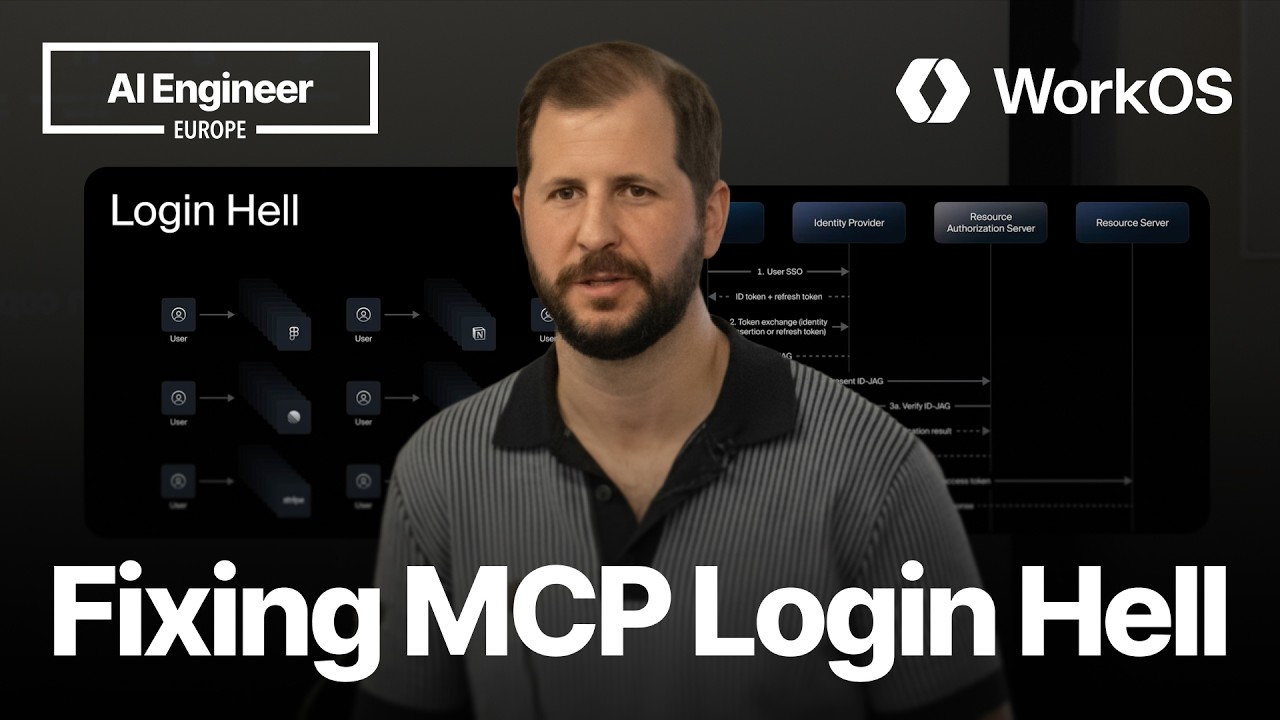
Cross-App Access lets an identity provider connect an MCP client and MCP server through an existing SSO relationship.
2
After one SSO login, the client can request short-lived MCP access tokens without showing the user another consent screen.
3
Because access tokens expire and depend on the active SSO session, IT can regain control when a user's access is removed.
Summary
Garrett Galow explains why MCP's normal OAuth flow creates repeated consent screens and leaves IT teams with limited visibility. Users connect separately to Figma, Notion, and other MCP servers, while access and refresh tokens can remain valid after a user leaves the company or loses SSO access. Cross-App Access, or XAA, uses the identity provider as a trust link between the MCP client and server. In his example, Claude Code logs into Okta once, requests an Identity JWT Authorization Grant token for Figma, and exchanges it with Figma's authorization server for a normal MCP access token. The user does not handle the intermediate steps. Galow covers the setup required from IT administrators, MCP clients, and MCP servers. He also explains that XAA handles authentication rather than authorization, so existing application permissions still apply. At the time of the talk, Okta supports the flow for OIDC connections, while Microsoft Entra support is still being developed.
MCP creates a separate consent process for every connected service
Galow opens with a Cursor demonstration in which every MCP server requires its own connection step. The user sees a consent screen, accepts it, and is redirected back to Cursor. This must be repeated for each tool, and sometimes the connection appears to need authentication again. Across a company, the problem grows beyond individual annoyance. Teams may have dozens of people repeatedly managing connections without understanding why the prompts keep appearing. Galow traces this behavior to MCP's use of OAuth, which assumes that the client and each application do not already trust one another.
MCP breaks the single sign-on model that companies already use
Most companies use an identity provider such as Okta or Microsoft Entra for single sign-on. That lets a user sign in once and reach approved applications. Galow says MCP breaks this model because the client and server do not automatically know that they belong to the same user or organization. The impact reaches IT teams. They may not know which MCP services employees are using, which AI agents can reach sensitive systems, or whether an employee is connecting through an approved client such as Cursor rather than an arbitrary tool.
Long-lived MCP credentials leave access outside the identity provider
Galow describes an incident in which a compromised package led his IT team to cut off his machine, invalidate Okta sessions, and review the credentials stored locally. MCP connections can include API keys and OAuth access or refresh tokens that were not issued through the identity provider's current controls. Those tokens may continue working for days, weeks, or months after a user leaves a company or loses SSO access. Without systems such as SCIM, IT may not be able to revoke every connection. New employees also still have to authenticate each MCP server even when IT has already configured the client.
Cross-App Access uses the identity provider as a trust link
Cross-App Access, or XAA, lets the identity provider connect an MCP client and an MCP server. Galow's example uses Claude Code or Cursor as the client, Figma as the MCP server, and Okta as the identity provider. Both applications already trust Okta because users sign into them through Okta. XAA lets the client and server rely on that existing relationship. Okta can issue credentials for the client to use with Figma without asking the user to approve another connection. In the demo, an XAA-compatible Claude Code logs into Okta once, then shows Figma as automatically connected.
The Identity JWT Authorization Grant is exchanged for a normal MCP token
The flow has four systems: the MCP client, the identity provider, the resource authorization server, and the resource server. After the user signs into Okta, Claude Code holds an ID token and refresh token. It uses the refresh token to ask Okta for an Identity JWT Authorization Grant token for Figma. Okta checks that the user belongs to both applications and that the client is allowed to request access to Figma. Claude Code sends the resulting token to Figma's authorization server. Figma validates it through its relationship with Okta and returns an access token. MCP then proceeds with its ordinary OAuth access token flow.
Short-lived access tokens let SSO status control renewed access
The intermediate XAA steps happen without user interaction after the initial identity-provider login. Galow says application access tokens commonly last about five minutes. When one expires, the client can repeat the grant and exchange process as long as the SSO session remains active. This limits standing access. If the user's access is removed or the Okta session is locked, the client cannot obtain another MCP access token after the current one expires. The user does not need to repeat the consent process, and IT's identity-provider controls affect future token renewal.
IT grants client-to-application relationships through managed connections
For IT administrators, the setup uses existing Okta applications for the MCP client and server. A managed connections area lets an administrator define which application can request access to another. Galow's example permits Cursor to request access to Figma. When Cursor asks Okta for an Identity JWT Authorization Grant token with Figma as the target, Okta checks the configured relationship and the user's membership in both applications. The organization continues to manage application membership through its normal policies.
MCP clients and servers need explicit support for the new flow
An MCP client needs an XAA-compatible SSO connection, a way to request the Identity JWT Authorization Grant token, and support for exchanging that token with the MCP server. The final MCP request remains unchanged. An MCP server needs to announce support for the JWT bearer type, accept the grant token, validate it with the identity provider, and issue its access token. Galow says WorkOS supports the client-side steps for customers, including the flow used by Cursor and Anthropic. Support from identity providers and the wider MCP ecosystem is still developing.