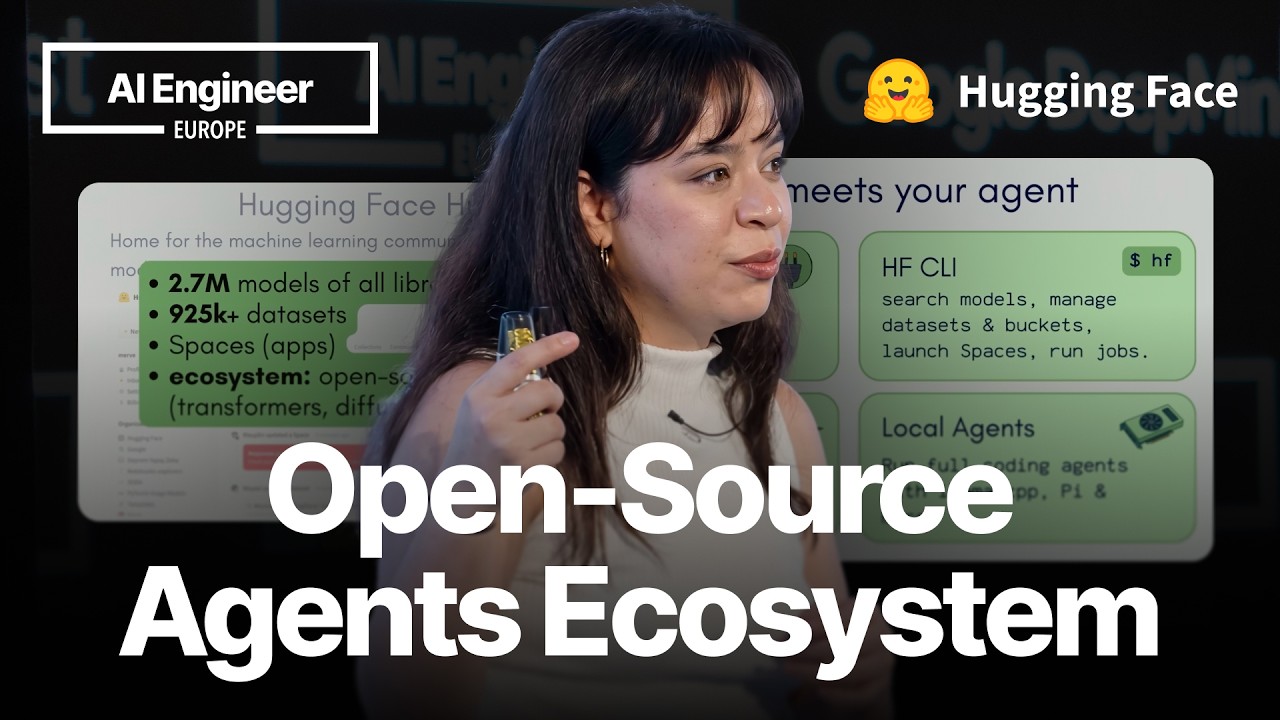
Open models give teams control over weights, licensing, deployment, quantization, and fine-tuning.
2
Hugging Face Hub connects agents to models, benchmarks, inference providers, traces, local serving tools, and skills.
3
Coding agents can now calculate training requirements, choose infrastructure, launch jobs, and return the trained model to the Hub.
Summary
Merve Noyan presents Hugging Face as the infrastructure layer for open agent workflows. She argues that access to model weights lets teams quantize and fine-tune models, deploy them on edge devices or in browsers, and keep user data inside their infrastructure. The talk covers agentic and vision-language models, benchmark datasets for comparing models, inference providers for routing requests, and local coding agents such as llama.cpp-based tools and Hermes Agent. Noyan also explains the Hub's traces repository type, which stores agent sessions for inspection and later training. The main demonstration uses Claude Code and Hugging Face skills to fine-tune Qwen-2-VL on LLaVA-Instruct-Mix. The agent asks for configuration choices, estimates VRAM needs, selects an instance, and launches the job. She then shows how MCP can connect agents to models, datasets, Spaces, and jobs. A case study describes OCR processing for 30,000 AI papers using open OCR models and Hugging Face infrastructure.
Open weights give teams control over deployment and model changes
Noyan separates open-weight models from models with commercially available open-source licenses, then explains why access to weights matters. Teams can shrink, quantize, and fine-tune a model themselves. They can also deploy it to edge devices or browsers without sending user data elsewhere. She connects this control to predictable behavior, saying that with everything open, performance changes do not happen without the team knowing. She argues that the older view of open models as inferior to closed models no longer holds, pointing to GLM 5.1's position on the Artificial Analysis index.
Vision capabilities are becoming standard for agentic models
Noyan divides agentic models into language models and vision-language models. A vision-language model can act as a computer-use agent by interpreting screenshots and identifying where to click. She says labs are increasingly releasing models with vision capabilities from day zero, citing Gemini 4, Qwen 3.5, and Chimera 2.5. Running these models locally has also become easier. Tools such as vLLM, MLX, and llama.cpp can serve them with only a few lines of code, reducing the setup friction that used to make local use difficult.
Benchmark datasets make open-model selection more practical
Hugging Face Hub now exposes benchmark datasets through a benchmark section in the datasets area. Users can inspect rankings for evaluations such as SWE-bench Pro, Humanity's Last Exam, and AIME. For coding agents, the SWE-bench view ranks open models by their scores, with GLM 5.1 currently at the top in Noyan's example. She presents this as a way to narrow a choice among roughly three million models. Inference Providers then let users compare available providers and choose based on factors such as price, speed, or tool-use support.
Local agents can use Hub models through familiar serving tools
Noyan describes several ways to run coding agents locally. She recommends Pi as a simple option and says it can consume a model served by llama.cpp. Llama Agent is another option, packaged as a binary in llama.cpp that can start a model by taking its Hugging Face Hub ID. Hermes Agent is her personal favorite because of its memory management. Its setup wizard handles configuration, and it can run locally or through a Hugging Face inference provider. She describes connecting it to Slack or WhatsApp and using GLM 5.1 with Hermes Agent to fix an integration problem.
Traces turn agent sessions into data that teams can inspect and reuse
Hugging Face Hub has added a traces repository type for sessions from tools such as Codex, Claude Code, and Pi. After a trace is pushed, the dataset viewer parses it through a traces column so users can explore the session data. Noyan says the same traces can later be used to train a model. Uploading agent sessions requires pointing the system at the relevant paths. She also says Hermes Agent support for traces was expected soon, connecting the memory-focused local agent with a persistent store for its sessions.
Hub metadata helps engineers find and serve compatible local models
For local serving, Noyan points users to the Apps section under the Hub's other tab. Filtering by applications such as LM Studio or llama.cpp shows models supported by those tools. Model repositories also expose GGUF files, which are used by llama.cpp and supported by tools including LM Studio. The repository shows hardware compatibility information. Her example says a larger Gemma 4 model quantized to four bits fits in an L4 GPU with 24 GB of VRAM. The Use this model button then provides commands for supported local applications.
Hugging Face skills let coding agents operate the model-development workflow
Hugging Face skills connect coding agents to Hub operations. The Hugging Face CLI skill can manage repositories, run jobs, and launch demos. Other skills support model training and inference, dataset exploration through the dataset viewer API, and Gradio app creation. Noyan says the trainer skill covers language models and vision-language models, with jobs running on Hugging Face infrastructure or locally. The agent can be told to train a named model on a named dataset, then handle the associated steps instead of requiring the user to write each command.
An agent can estimate training resources and launch a fine-tuning job
In the demonstration, Noyan asks Claude Code to train Qwen-2-VL on the LLaVA-Instruct-Mix vision-language dataset. The agent asks which instance to use and requests other configuration details, such as the validation split. Behind the scenes, it calculates the VRAM needed for fine-tuning at the chosen batch size, then launches the job. The resulting model appears on Hugging Face Hub. Noyan says the same workflow now covers vision tasks such as object detection and segmentation, including handling different bounding-box formats.
MCP connects agents to Hub models, data, apps, and temporary jobs
The Hugging Face MCP integration exposes models, datasets, Spaces, and jobs to agents. Spaces are described as an app store for AI, and agents can search them, including through semantic search. Jobs run as one-off tasks that end after success or failure, with payment based on the time they remain active. Noyan demonstrates an agent being asked to generate an image of a baklava made of yarn. The agent calls a remotely hosted Qwen image Space and returns the output. Access to all Spaces requires enabling the experimental dynamic Spaces setting.
"If you have access to the weights, you can shrink them, you can quantize them. You can fine tune them if you feel like it."01:23
Who should watch
You want to run coding agents with open models and need practical options for local serving, provider routing, or model selection.
You are building training workflows and want an agent to handle VRAM estimates, infrastructure choices, and job submission.
You have agent sessions or AI documents to process and want to store traces, connect tools through MCP, or run OCR jobs on Hugging Face infrastructure.